How to setup MainIPTV on MYTV Online - Formuler Z+: In this tutorial, we will explain to you step by step how to setup MainIPTV on MYTV Online on Formuler Z7+.
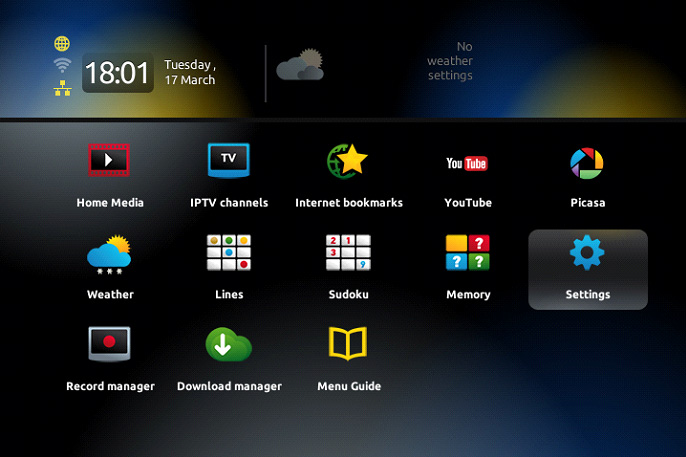
1> Open MYTV Online

2> Edit Service >> Click Edit
Important: Be sure you register with your right MAC Address.
Related: PS5 and Xbox Series X: What Are Teraflops?

3> Enter Service Nickname (Example: MainIPTV or Anything)
4> Enter MainIPTV Mag URL : (Professional Portal URL Server) http://movie882.ddns.net.123tv.to:8080/c/ or (Basic Portal URL Server) http://livegopanel.club:8080/c
5> Click OK
6> Connecting to MainIPTV Server MAG in progress.
7> Successful Connection! You receive all channels associated with your account.
8> Now Everything is ready and you can start watching Live TV.

Enjoy!